Automation Reliability
A failure notification should help someone decide what to do next. An unfiltered technical dump often exposes too much while explaining too little.
Separate diagnostics from notification
A detailed restricted log and a short team notification serve different audiences. The team may need to know that an update is pending, while the maintainer needs the action and error category. Avoid posting raw input data into a shared channel as a substitute for a useful summary.
Capture relevant error information
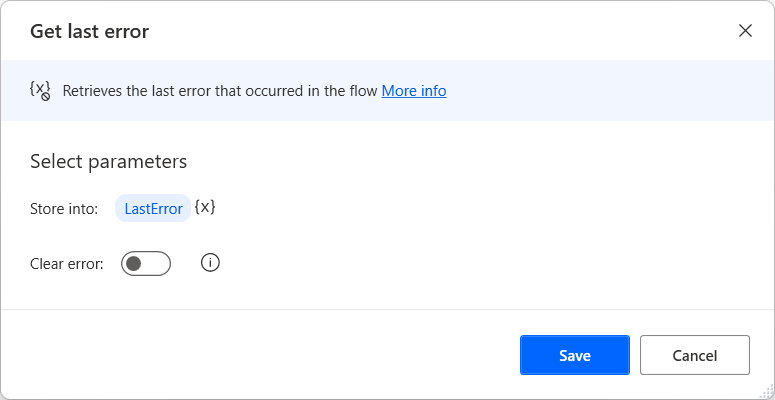
Microsoft documents a Get last error action for desktop flows. Use the available error information to support diagnosis, but decide what belongs in your record. A description can contain a file path or other sensitive context, so review its contents before forwarding it to a broader destination.
Include the state of the work
Explain whether no external action happened, some steps completed or the outcome is uncertain. A maintainer who sees only “failed” may restart everything. Include the stable request reference and a link to the restricted run record where appropriate, rather than copying all details into the message.
Give one recovery owner
Name a role responsible for checking the issue and provide a manual fallback when work cannot wait. Close the incident with the verified result and any prevention change. A repeated failure should prompt a design review rather than an ever-longer notification message.
Working template
Update processing needs review
Request: [reference]
Stage: [plain-language step]
Impact: [what remains incomplete]
Outcome certainty: [known / partial / uncertain]
Owner: [responsible role]
Diagnostic record: [restricted link]
Do not rerun external actions until prior completion is checked.
Illustrative starting point. Adapt it to your inputs, permissions and review process.
Before you use it
- The audience sees only necessary detail.
- Work state is explicit.
- A recovery owner is named.
- Secrets and private inputs are excluded.